

Table of Contents
- What Is an Interior Design Mood Board?
- Why Mood Boards Matter for Room Planning
- Finding Inspiration and Defining Your Personal Style
- Choosing a Color Palette for Your Space
- What to Include in a Mood Board
- Creating Your Interior Design Mood Board Step by Step
- Combining Textures, Materials, and Visual Elements
- Evaluating Cohesion and Making Final Edits
- Frequently Asked Questions
Last Updated: October 19, 2026
What Is an Interior Design Mood Board?
Interior design mood boards are curated collections of images, colors, textures, materials, and patterns arranged to communicate the aesthetic direction and design concept for a room. It captures the feeling, style, and practical details you want to achieve.
Think of it as a creative playground where you test ideas before committing to purchases. A mood board might include fabric swatches, paint samples, furniture photographs, artwork, flooring options, and decorative accents arranged on a single surface or digital platform.
At The Finishing Touch Decor, we've found that mood boards transform decorating from overwhelming guesswork into a structured, intentional approach. Whether you're renting or moving into a new home, a mood board helps you visualize the final result before spending on pieces that might not work together.
Why Mood Boards Matter for Room Planning
Creating a mood board before you start shopping saves time, money, and frustration. It's the difference between randomly collecting decor items and building a room with purpose.
A well-constructed mood board clarifies your design direction. Instead of falling for individual pieces that don't coordinate, you see how colors interact, how textures complement each other, and whether the overall aesthetic feels cohesive. When browsing furniture, wall art, throw pillows, and accessories, you can quickly evaluate whether a new piece aligns with your vision.

For renters especially, mood boards are essential. They help you plan a beautiful space without permanent renovations, test color combinations, and make confident purchasing decisions about removable items like wall art, rugs, and accent pieces.
Mood boards also solve the color-mismatch dilemma. A throw pillow's color online often looks different in person under your room's actual lighting. Gathering multiple color references together helps you develop a realistic sense of how shades will appear in your space.
Finding Inspiration and Defining Your Personal Style
The first step in creating interior design mood boards is gathering inspiration and identifying what resonates with you aesthetically.
Start by exploring visual narratives that appeal to you. Look at interior design inspiration images on Pinterest, in design magazines, on home decor websites, or in showrooms and model homes.
After collecting 20-30 inspiration images, step back and look for common threads. Do certain color palettes repeat? Are you drawn to minimalist or maximalist rooms? Do you prefer natural materials like wood and linen, or sleek contemporary finishes?
Your style might align with established aesthetics, French Country with soft neutrals and vintage charm, Coastal with light blues and natural textures, Bohemian with eclectic patterns and global influences, or Contemporary with clean lines and modern materials.
Choosing a Color Palette for Your Space
Color is the most powerful tool in interior design. It sets the mood, influences how spacious a room feels, and ties all your decor elements together.
Start by selecting a primary color, the dominant shade covering the largest visual area, typically walls or large furniture.
Then add 2-3 accent colors for visual interest and personality. These appear in smaller quantities, throw pillows, artwork, vases, or decorative accessories. Accent colors are where you can be bolder and more playful without overwhelming the space.
A practical tip: gather actual color samples. Paint chips, fabric swatches, and photographs of real materials in different lighting all belong on your mood board.
What to Include in a Mood Board
A comprehensive interior design mood board should contain multiple layers of visual information that guide your decorating decisions.
Include color references, paint swatches, fabric samples, and color-blocked images showing your palette in context. Add texture samples when possible: photographs of wood finishes, fabric weaves, stone surfaces, or tactile materials.
Add practical elements too: flooring samples, hardware finishes, lighting styles, and other visible materials. These details matter, a room with beautiful furniture but mismatched hardware and lighting feels disjointed.
Finally, include inspiration images that capture the overall feeling you want, full-room photographs showing how all the elements work together, or close-up details of combinations you love.
Creating Your Interior Design Mood Board Step by Step
Building your mood board is straightforward whether you choose a physical or digital approach.
Step 1: Gather Your Materials Collect your inspiration images, color samples, fabric swatches, and material references.
Step 2: Choose Your Format Decide whether you'll create a digital mood board using free online tools, a physical board using foam core or poster board, or both.
Step 3: Organize by Category Arrange elements by type: color palette, textures, furniture inspiration, artwork, and decor accents.
Step 4: Test Combinations Ask: do the colors work together? Do the textures complement each other? Is there visual balance, or does one element dominate?
Step 5: Add Context Include measurements, budget notes, or product links for pieces you've identified. This transforms your mood board from purely aesthetic to actionable.
Using Interior Design Mood Board Examples
Looking at finished mood boards helps you understand what cohesion looks like and inspires your own creation process.
A well-executed Coastal mood board, for example, combines soft blues and sandy neutrals with natural textures like linen, jute, and weathered wood.
A Bohemian mood board layers multiple colors, terracotta, sage green, warm gold, deep burgundy, with patterned textiles, global-inspired artwork, and natural materials like macramé and rattan.
A Contemporary mood board emphasizes clean lines, neutral palettes with bold accents, and modern materials, with inspiration images of uncluttered spaces, geometric artwork, and sleek furniture.
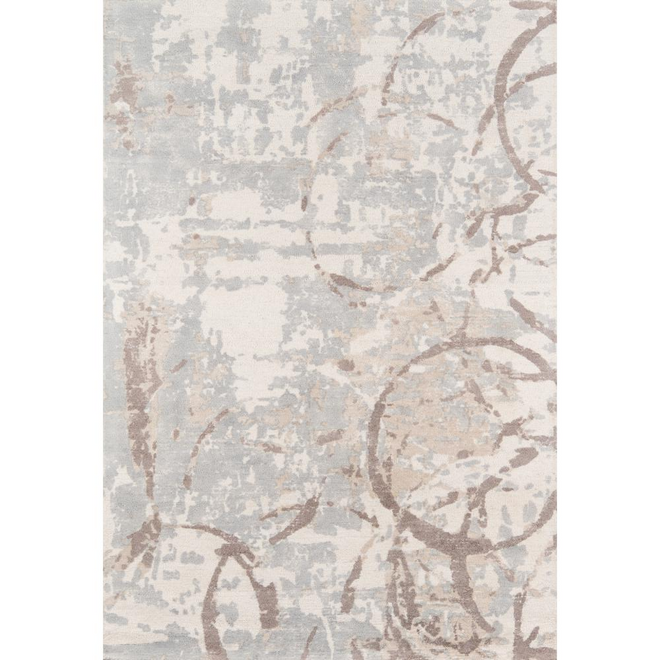
Neutral Abstract Lines Canvas Wall Art Prints →
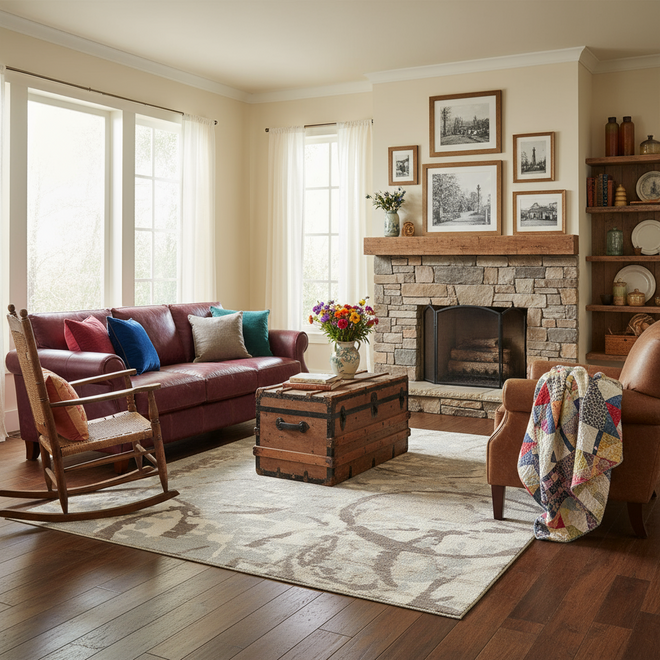
By studying examples aligned with your aesthetic, you understand how successful mood boards balance color, texture, and visual elements to create a cohesive design concept.
Free Online Mood Board Maker Tools
Several free platforms let you create digital mood boards without design experience or software subscriptions.
Canva offers an intuitive interface for uploading images, adding text, adjusting colors, and arranging elements on customizable templates; the free version provides plenty of functionality. Pinterest lets you create private boards and organize pinned inspiration images, not specifically a mood board tool, but effective for gathering visual references.
Other free options include Miro's collaborative digital whiteboard and Figma's free tier for design-focused users. These let you gather inspiration, test color combinations, and share your mood board for feedback.
The advantage of digital tools is editability: you can rearrange elements, test color combinations, and refine your vision without printing or reprinting materials.
Using an Interior Design Mood Board Template
Templates simplify the mood board creation process by providing a pre-organized structure.
A typical template includes sections for your color palette, inspiration images, texture samples, furniture style references, artwork examples, and decor accents. Some add practical sections for budget tracking, measurements, or product links.
Templates work well whether you're working digitally or physically. Digital templates in Canva or similar tools can be customized with your colors and images. Physical templates, essentially pre-drawn layouts on poster board or foam core, guide your arrangement of physical samples.
The benefit of templates is structure. If you're new to mood board creation, a template ensures you don't miss important elements and shows how professional designers organize visual information.
Combining Textures, Materials, and Visual Elements
The magic of a cohesive interior design mood board happens when textures, materials, and visual elements work together intentionally.
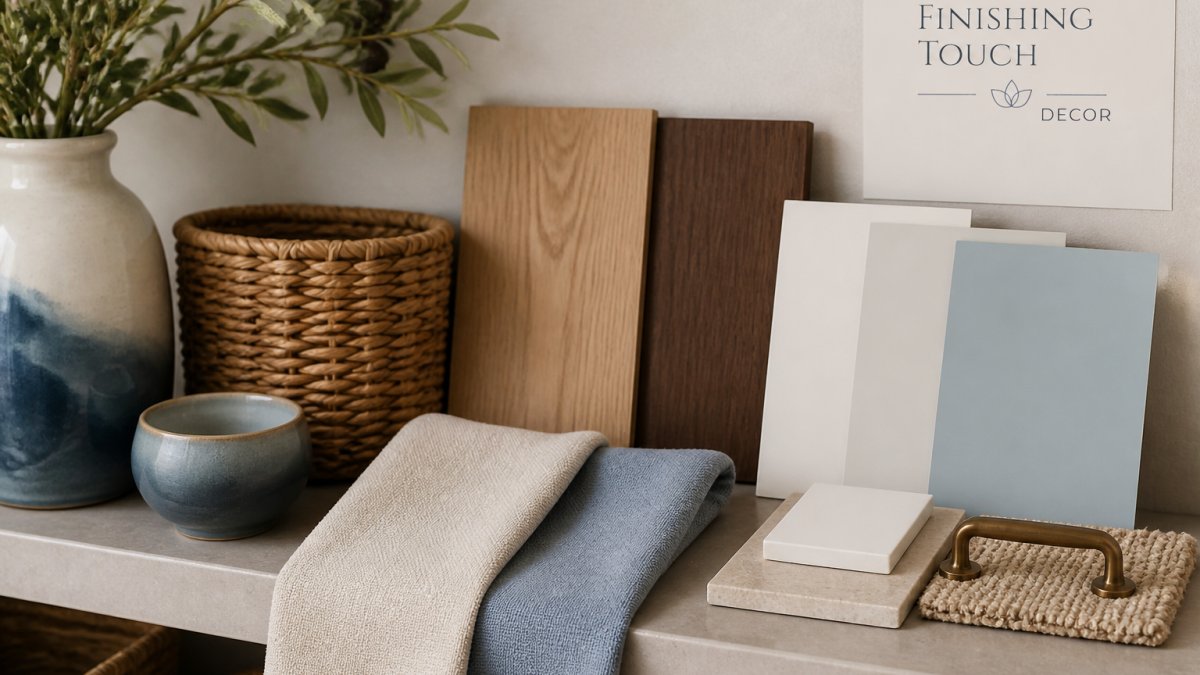
Texture adds depth and prevents a room from feeling flat or sterile.
Materials communicate style and set the room's character. Natural materials like wood, stone, and linen feel warm and organic. Metal finishes, brass, copper, or matte black, add contemporary or industrial touches.
Visual elements, artwork, decor accents, and decorative accessories, tie everything together. The wall art you choose should reflect your color palette and aesthetic.
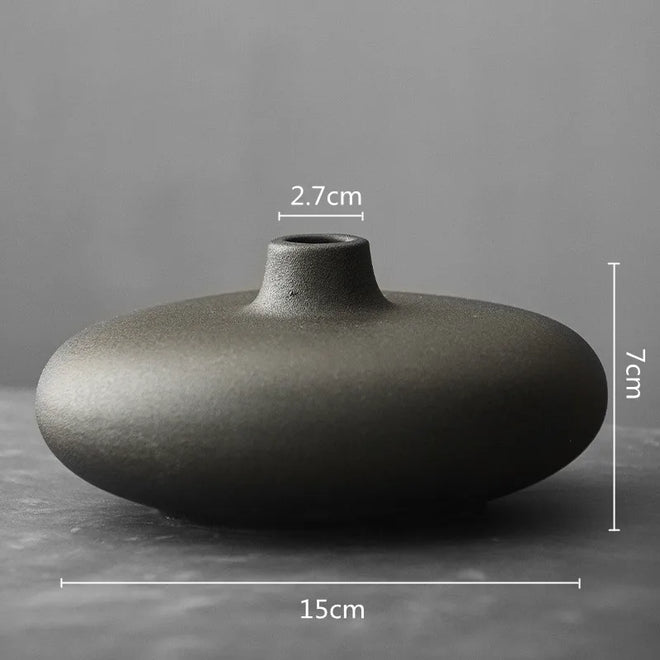
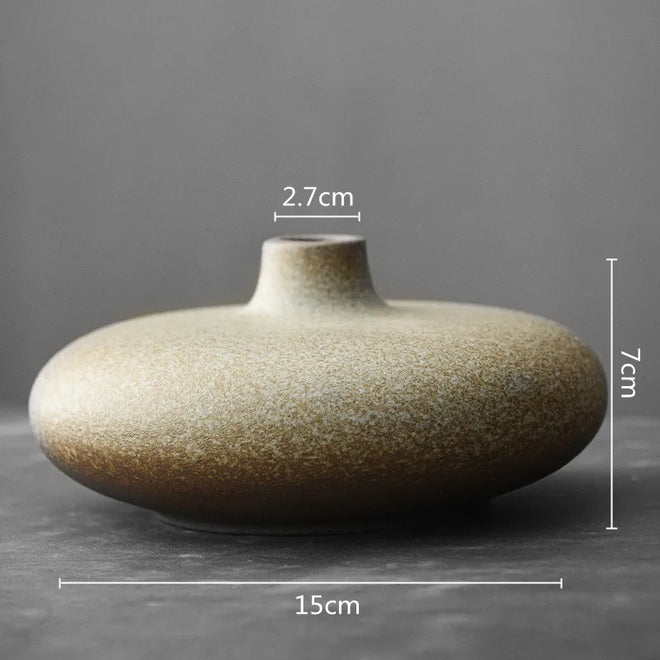
Decor accents like throw pillows, vases, and small sculptures should feel intentional, not random. Each piece should reinforce your color palette, introduce a complementary texture, or support your overall aesthetic direction.
Evaluating Cohesion and Making Final Edits
Before you finalize your mood board and start shopping, take time to evaluate whether everything works together.
Step back and look at your completed mood board as a whole. Does the color palette feel harmonious?
Ask practical questions: Do the furniture styles match your aesthetic?
Make edits based on your evaluation. If a color feels too bold, replace it with a softer version.
Test your color palette in different lighting. View your color samples under natural daylight, artificial indoor lighting, and evening lighting if possible.
Finally, ensure your mood board is actionable. Note specific products you want to purchase, measurements for rugs or artwork, and budget parameters.
A well-evaluated mood board becomes your north star throughout the decorating process.
Creating an interior design mood board transforms decorating from an overwhelming, hit-or-miss process into a strategic, enjoyable creative journey. Our curated collection of wall art, throw pillows, vases, and decor accents, spanning styles from French Country to Contemporary, gives you the pieces to bring your mood board to life. View More and discover how the right accents transform your design concept into a room you love.
Frequently Asked Questions
What is an interior design mood board?
An interior design mood board is a visual collection of images, colors, textures, and materials that represent your design vision for a space. It combines inspiration photos, color swatches, fabric samples, and decor elements to establish the aesthetic direction and feel of a room before you purchase furniture or finishes. Mood boards help you clarify your style and ensure all elements work together cohesively.
How do beginners make an interior design mood board?
Start by gathering inspiration images from design websites and social media. Define your color palette by selecting 3-5 colors that complement each other. Add fabric and material samples, then include photos of furniture and decor pieces you like. Arrange these elements on a physical board or use a free online mood board maker tool like Canva or Pinterest. Edit and refine until the overall composition feels cohesive and represents your desired room aesthetic.
Can I make an interior design mood board online for free?
Yes. Many free online mood board maker platforms exist, including Canva, Pinterest, and other design software that let you upload images and arrange them digitally. These tools allow you to create, save, and share your mood board without cost. Free platforms typically offer templates, color palettes, and layout options that simplify the process for beginners without requiring design experience or paid subscriptions.
What should I include on a mood board?
Include inspiration images that reflect your desired aesthetic, a defined color palette with 3-5 primary colors, fabric and material swatches, examples of furniture or decor pieces, flooring samples, lighting references, and wall finish options. Add paint color samples or wallpaper images. Include accent pieces like throw pillows, wall art, and decorative accessories. This comprehensive collection ensures your mood board covers all elements needed to create a cohesive, finished room design.
How do I know if my mood board is cohesive?
Step back and assess whether all colors, textures, and styles work together visually. Check that your color palette flows naturally across images and materials. Verify that furniture and decor styles align with your overall aesthetic direction. Ask yourself if removing any element would hurt the overall feel, or if adding more of a particular style would strengthen it. A cohesive mood board should feel intentional and unified rather than random or mismatched.
What is the difference between a mood board and a design board?
A mood board focuses on aesthetic, feeling, and visual direction, capturing the overall vibe and style you want. A design board is more technical and detailed, including specific measurements, product names, prices, and exact placement of furniture and decor. Mood boards are inspirational and exploratory, while design boards are functional and ready for implementation. Most beginners start with a mood board to establish direction, then develop a design board when ready to purchase and arrange.
How many images should be on a mood board?
Aim for 10-20 images as a starting point, depending on your space size and complexity. Include enough variety to explore different textures and materials without overwhelming yourself. Quality matters more than quantity, choose images that genuinely inspire you and represent your vision. You can always add or remove images during the editing phase. The goal is enough visual reference to guide your decisions without creating confusion or decision paralysis.